

Download Shuttle: Speed Boost
Read our comprehensive review of Download Shuttle: Speed Boost. Discover how this macOS tool accelerates files, manages bandwidth, and schedules downloads.
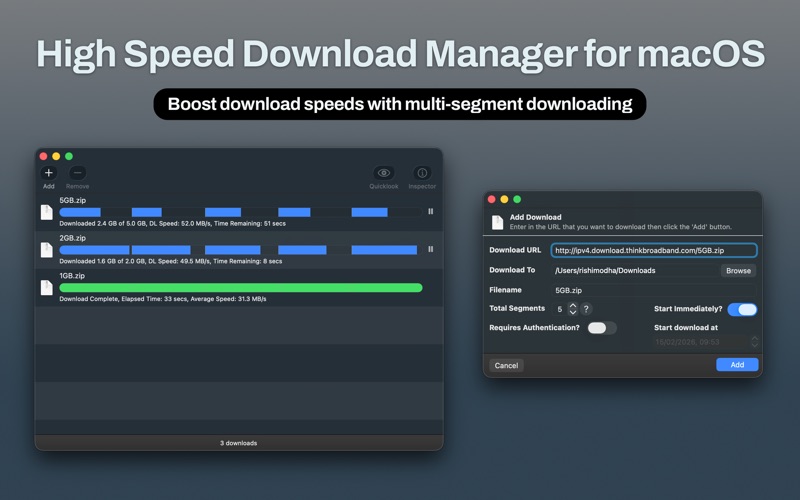
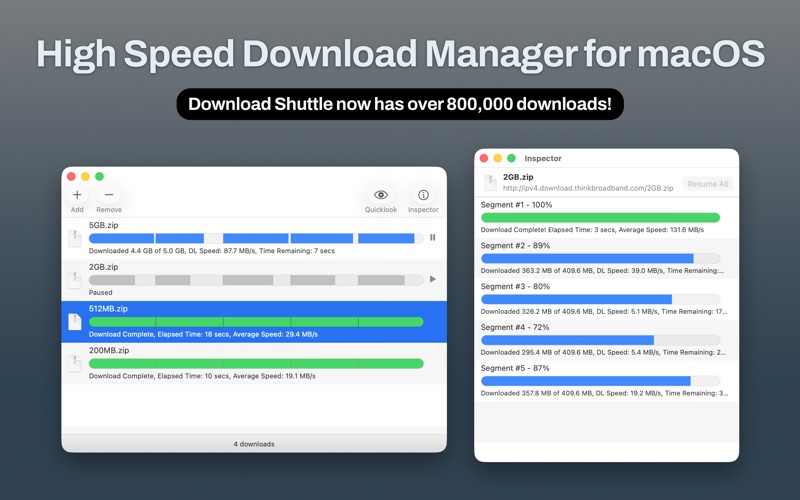
When downloading large files on macOS, standard browser tools often fall short, leading to sluggish speeds and failed transfers. Download Shuttle: Speed Boost addresses this bottleneck by fundamentally changing how your Mac retrieves web assets. Developed by FIPLAB Ltd, this specialized utility splits incoming files into multiple distinct segments, downloading them concurrently to extract maximum performance from your network connection.
Who Benefits Most From Download Shuttle: Speed Boost?
This utility is engineered specifically for macOS users who frequently interact with high-volume files, such as creative professionals, developers, and remote workers. If you routinely download high-definition media, software archives, or massive datasets, standard sequential downloads can waste hours of productive time. By implementing multi-segmented download technology, the app ensures that your bandwidth is fully saturated, significantly reducing waiting times.
Key Features of This macOS Download Accelerator
Understanding the core capabilities of Download Shuttle: Speed Boost helps determine if it fits into your daily workflow. The application focuses on efficiency, recovery, and seamless system integration:
- Multi-Segmented Transfers: Files are split into smaller pieces and pulled down simultaneously, utilizing your internet pipe to its absolute capacity.
- Resilient Network Recovery: If your Wi-Fi drops or your connection gets interrupted, the tool features automatic retry mechanisms to recover and resume your downloads without starting over.
- Smart Disk Space Management: Unlike older tools that require double the disk space to assemble final files, this application manages disk allocation intelligently to prevent storage crunch on your Mac.
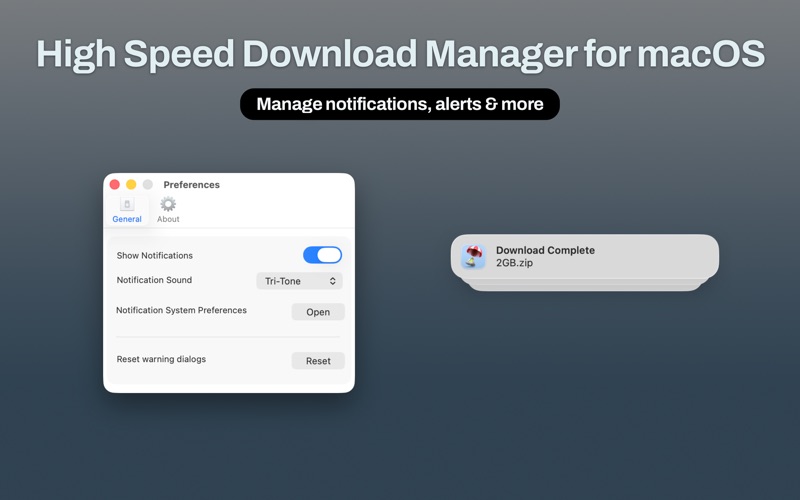
- User-Centric Interface: Designed natively for macOS, it features full dark mode support, intuitive drag-and-drop link importing, and a convenient Quick Look preview for completed files.
- Advanced Control: Users can manage unlimited simultaneous downloads, pause or resume tasks at will, and schedule downloads for specific times when network traffic is low.
Seamless Integration and Usability
Operating as a dedicated tool in the utility category, the software avoids complex configuration menus. Users can drag download links directly from Safari, Chrome, or any other web browser straight into the application interface. With support for HTTP/HTTPS authentication, it manages secured downloads just as easily as public ones, making it a reliable daily companion for both casual browsing and professional tasks.
An Editorial Perspective
For Mac users seeking a streamlined, native interface that prioritizes speed without unnecessary bloatware, Download Shuttle: Speed Boost delivers a highly focused solution. It does not try to be a media player or an all-in-one suite; instead, it refines the core downloading experience to be as fast and reliable as possible. To explore this tool and experience accelerated downloads on your Mac, visit the official Mac App Store to get started.