

FloatBrowser - Menubar Browser
Read our comprehensive review of Menubar Browser - FloatBrowser, a premium Mac utility designed to keep web tasks floating seamlessly over your active workflow.
The Modern Multitasking Dilemma on macOS
We have all been there: you are deep in a writing project, analyzing a complex spreadsheet, or coding, but you need to keep a close eye on a reference document, a live chat, or a real-time data feed. Constantly switching windows using Command-Tab disrupts your cognitive flow and drains productivity. The Menubar Browser - FloatBrowser utility offers an elegant solution to this exact problem by integrating a fully functional web browser directly into your Mac's menu bar.
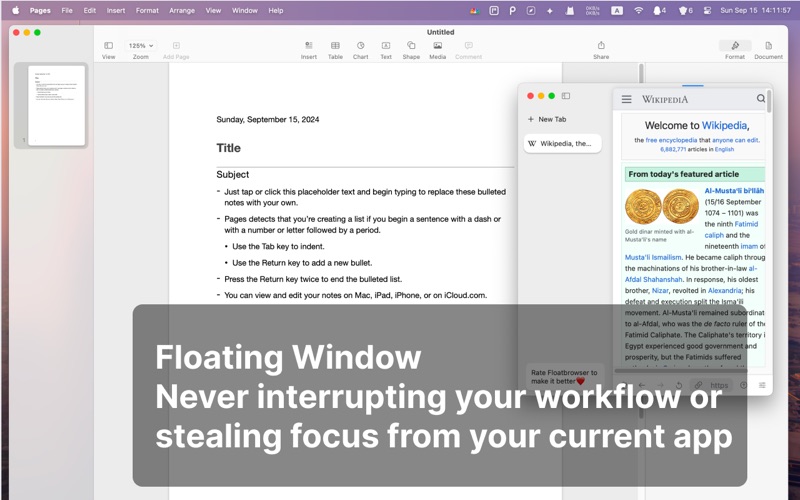
Developed by Chao Cheng, this lightweight internet utility allows users to summon a floating web window that stays pinned on top of active applications. Because it operates without stealing focus from your primary workspace, you can type, design, or calculate in your main application while keeping critical web content in your direct line of sight.
Key Features of the FloatBrowser Menubar Browser
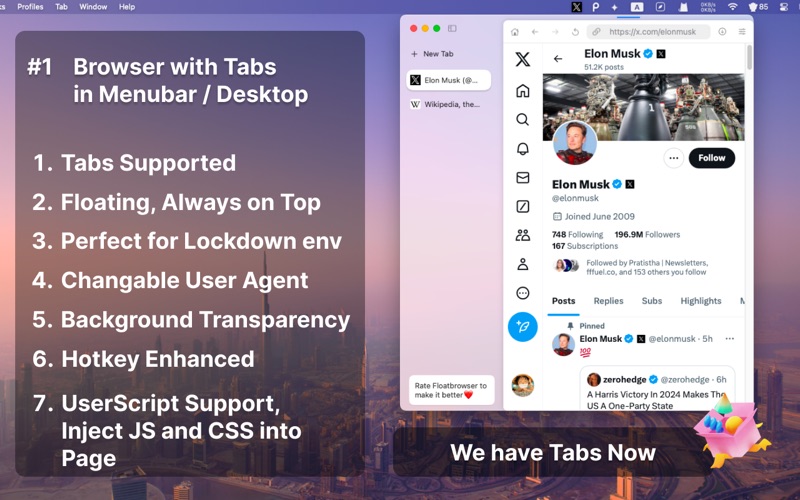
- True Floating Window Architecture: Pin the browser window on top of all other active applications. It remains visible but never intercepts your keyboard or mouse focus unless you explicitly interact with it.
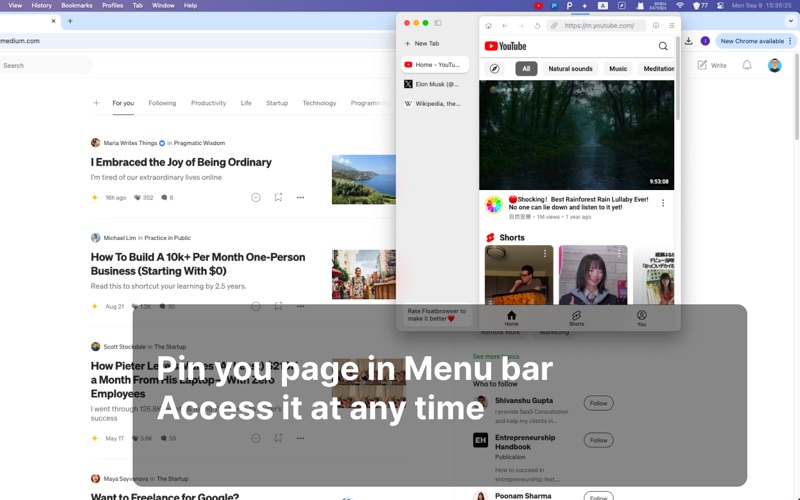
- Seamless Menu Bar Integration: Keep your most-frequented sites pinned to your macOS menu bar for rapid, single-click access.
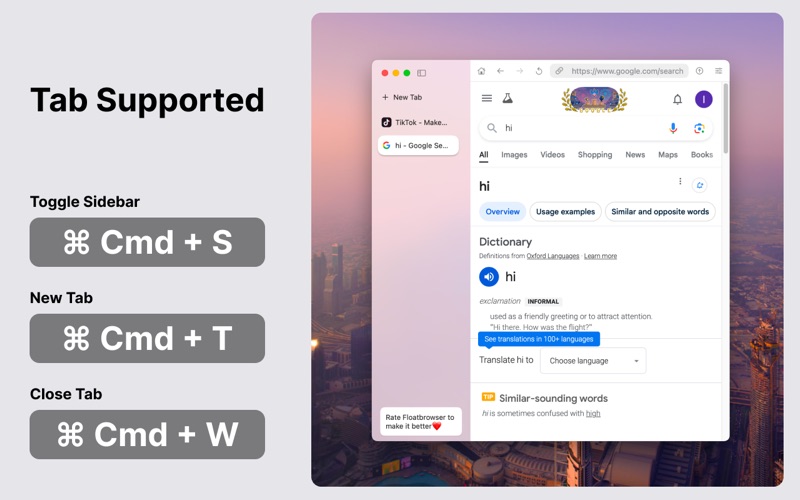
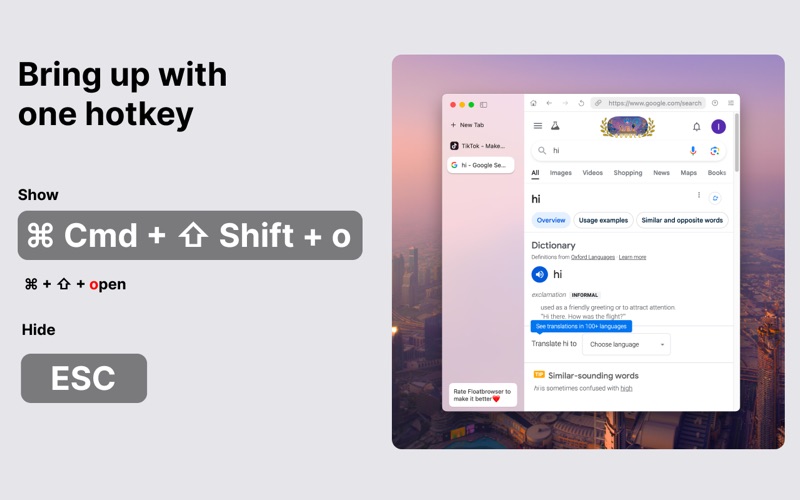
- Robust Hotkey Controls: Trigger, hide, resize, center, or adjust the position of your floating window instantly using custom keyboard shortcuts. You can even assign dedicated hotkeys to launch specific URLs.
- Privacy-First Design: Maintain absolute confidentiality. Pressing the Escape key instantly conceals the browser window, and adjustable transparency controls let you blend the window into your desktop background.
- Native Performance Engine: Built on the native Safari rendering engine, the application delivers exceptional speed, energy efficiency, and smooth page loads without draining your Mac's system resources.
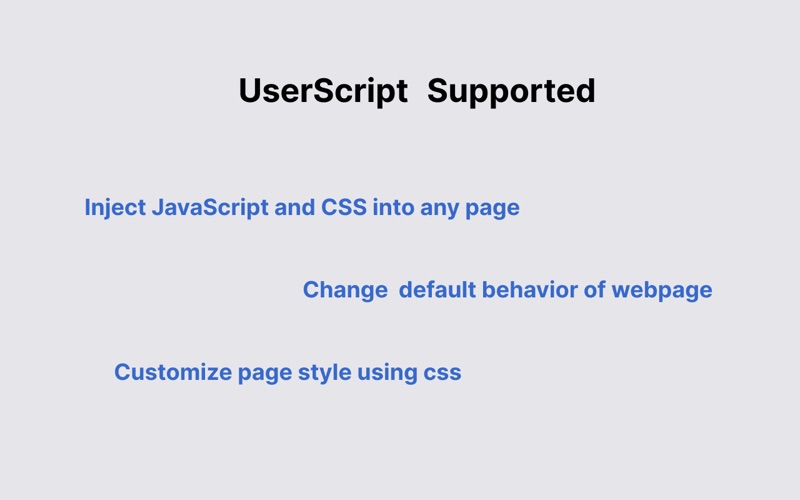
- Advanced Customization: Switch user-agents on the fly to view mobile-optimized or desktop layouts, automate page reloads with auto-refresh, and inject custom user scripts to tailor your favorite web pages.
Optimizing Your Everyday Workflow
The practical applications of the Menubar Browser - FloatBrowser are extensive. Financial analysts can monitor live cryptocurrency charts or stock tickers without cluttering their main displays. Developers and writers can keep documentation or AI chatbots like Genius AI open in a compact, persistent window. It also serves as an excellent companion for casual use, allowing you to stream background music via Spotify or monitor social feeds like WhatsApp and Instagram without losing track of your primary tasks.
Is This Floating Browser Right for You?
If you are looking to maximize your single-monitor real estate or streamline how you interact with web-based tools while working, this application is a highly optimized utility that respects your system resources and your privacy. To integrate this tool into your daily routine, you can explore more and download it directly from the official Mac App Store.