

Virtual Machine Manager
Read our comprehensive review of Virtual Machine Manager to discover how this powerful tool simplifies local and remote hypervisor administration on Linux.
Streamlining Hypervisor Control on Linux
Imagine you are system administrator or a developer who needs to spin up multiple testing environments on a single Linux machine. Swapping back and forth between command-line tools to monitor resource spikes or configure virtual networks can quickly become overwhelming. This is where the Virtual Machine Manager virtualization tool steps in to consolidate your workflow into a single, intuitive interface.
Developed by The Virtual Machine Manager contributors, this open-source application provides a robust graphical user interface designed to take the complexity out of managing virtualized environments. Whether you are running local test beds or coordinating remote enterprise servers, it acts as a centralized control room for your hypervisors.
Core Capabilities of the Virtual Machine Manager Virtualization Tool
At its heart, the application leverages the industry-standard libvirt API, allowing it to seamlessly interface with various virtualization technologies. Here is what makes the Virtual Machine Manager virtualization tool an essential addition to your Linux toolkit:
- Multi-Hypervisor Support: Effortlessly administer KVM, Xen, and Linux Containers (LXC) from a unified desktop interface.
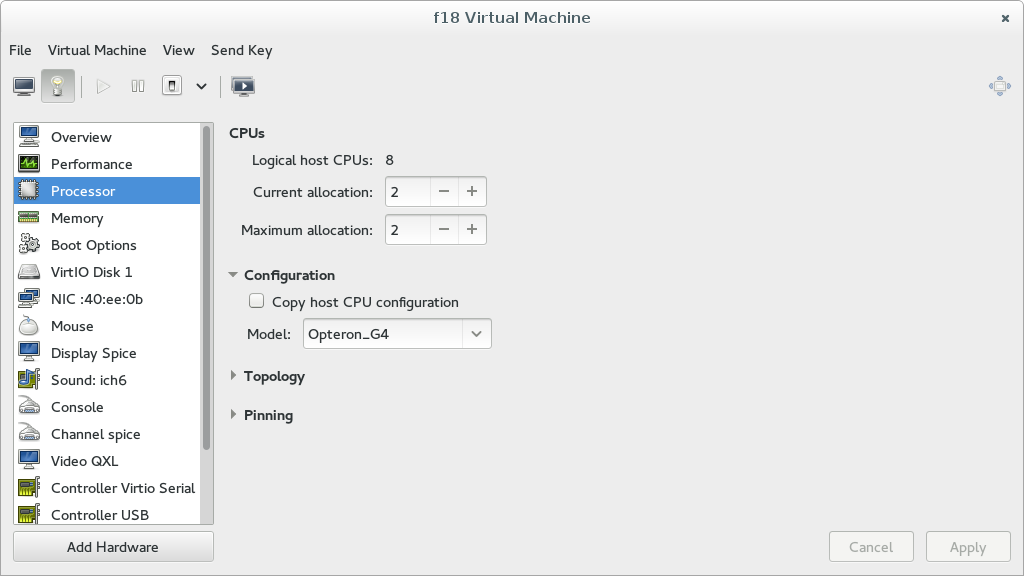
- Comprehensive Device Management: Easily add, configure, or remove virtual hardware components, including network interfaces, storage disks, and USB controllers, without manual XML editing.
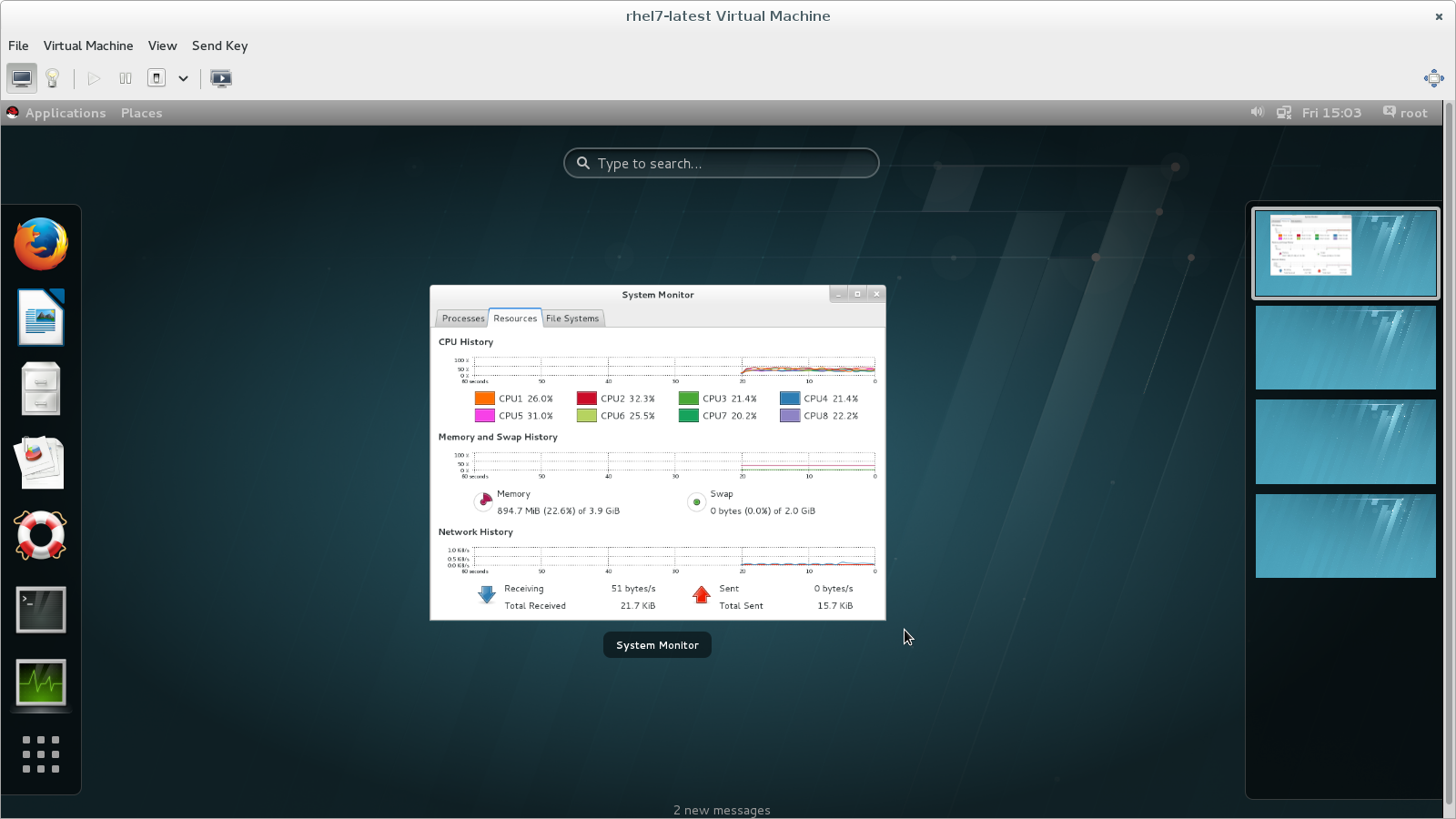
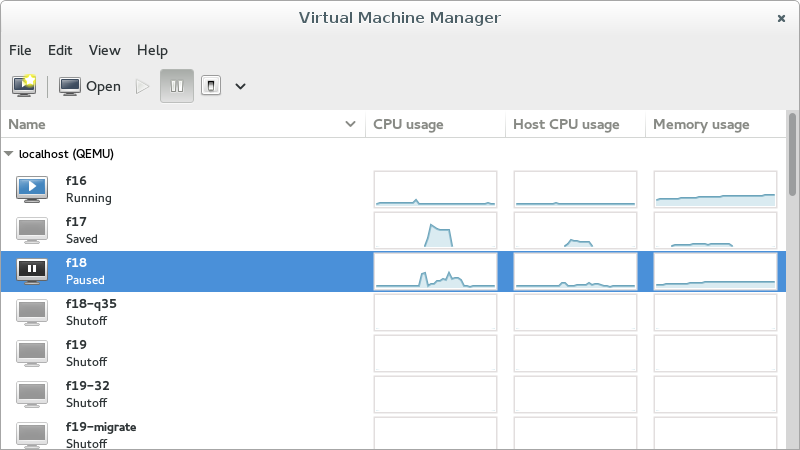
- Real-Time Performance Monitoring: Keep a close eye on system health with live graphical statistics tracking CPU, memory, network, and disk I/O utilization.
- Flexible Console Access: Connect directly to guest operating systems via high-performance graphical consoles or serial interfaces for headless setups.
- Remote Administration: Manage virtual machines running on remote servers across your network just as easily as those running on your local workstation.
Who Is This Management Tool For?
Categorized under security and infrastructure management, this utility is primarily tailored for system administrators, software developers, and Linux enthusiasts who require reliable, low-overhead virtualization. By abstracting the complex terminal commands of libvirt into a clean graphical layout, it dramatically reduces the learning curve for deploying and maintaining secure, isolated guest operating systems.
An Essential Asset for Linux Administrators
For those looking to optimize their virtualization workflows without sacrificing the granular control that Linux offers, the Virtual Machine Manager virtualization tool provides the perfect balance of simplicity and advanced functionality. It eliminates the friction of VM configuration, making environment replication and resource monitoring straightforward tasks.
To explore this utility further and integrate it into your deployment workflow, visit the official Flathub store page to get started.