
All-in-One Stream
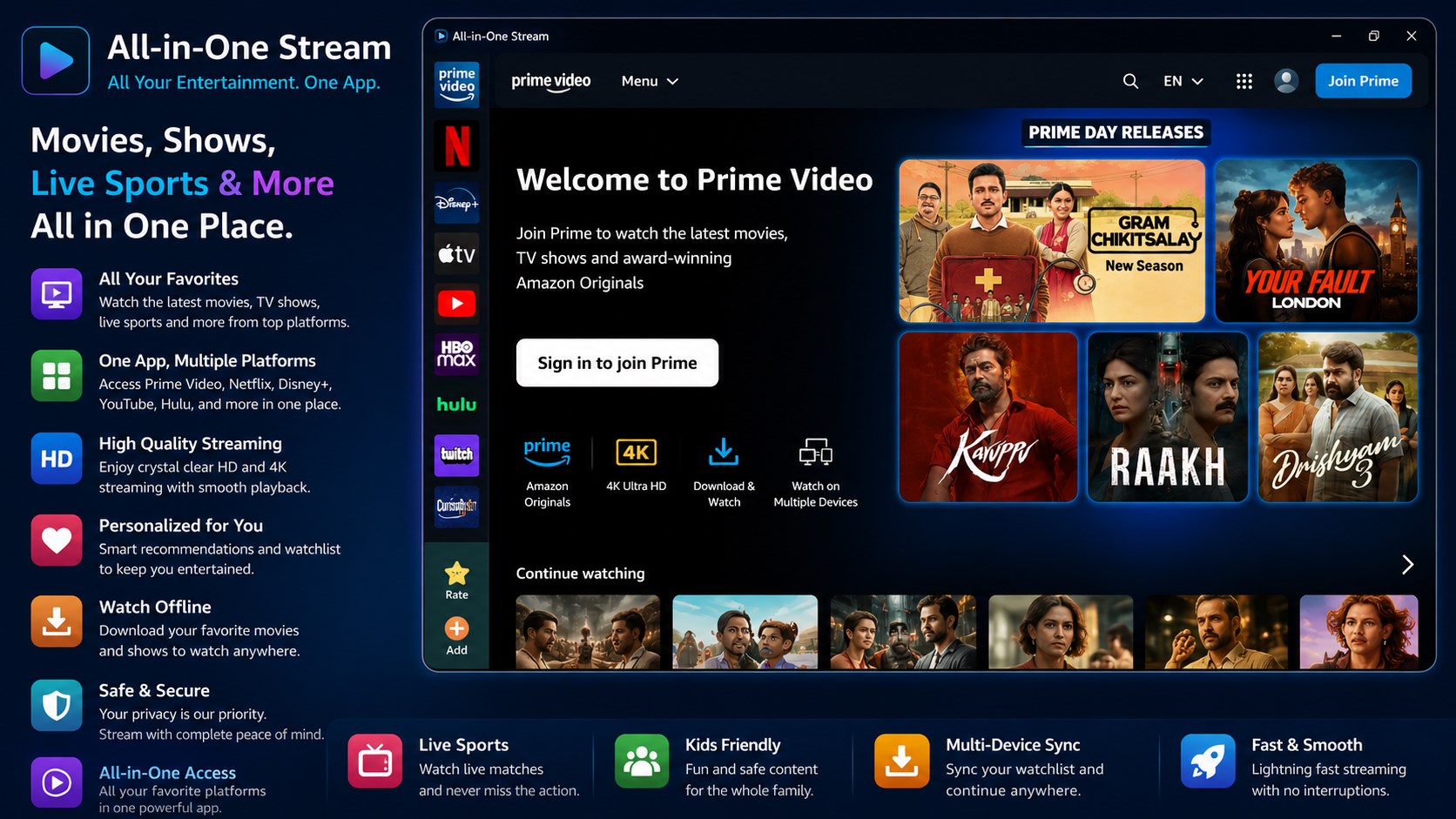
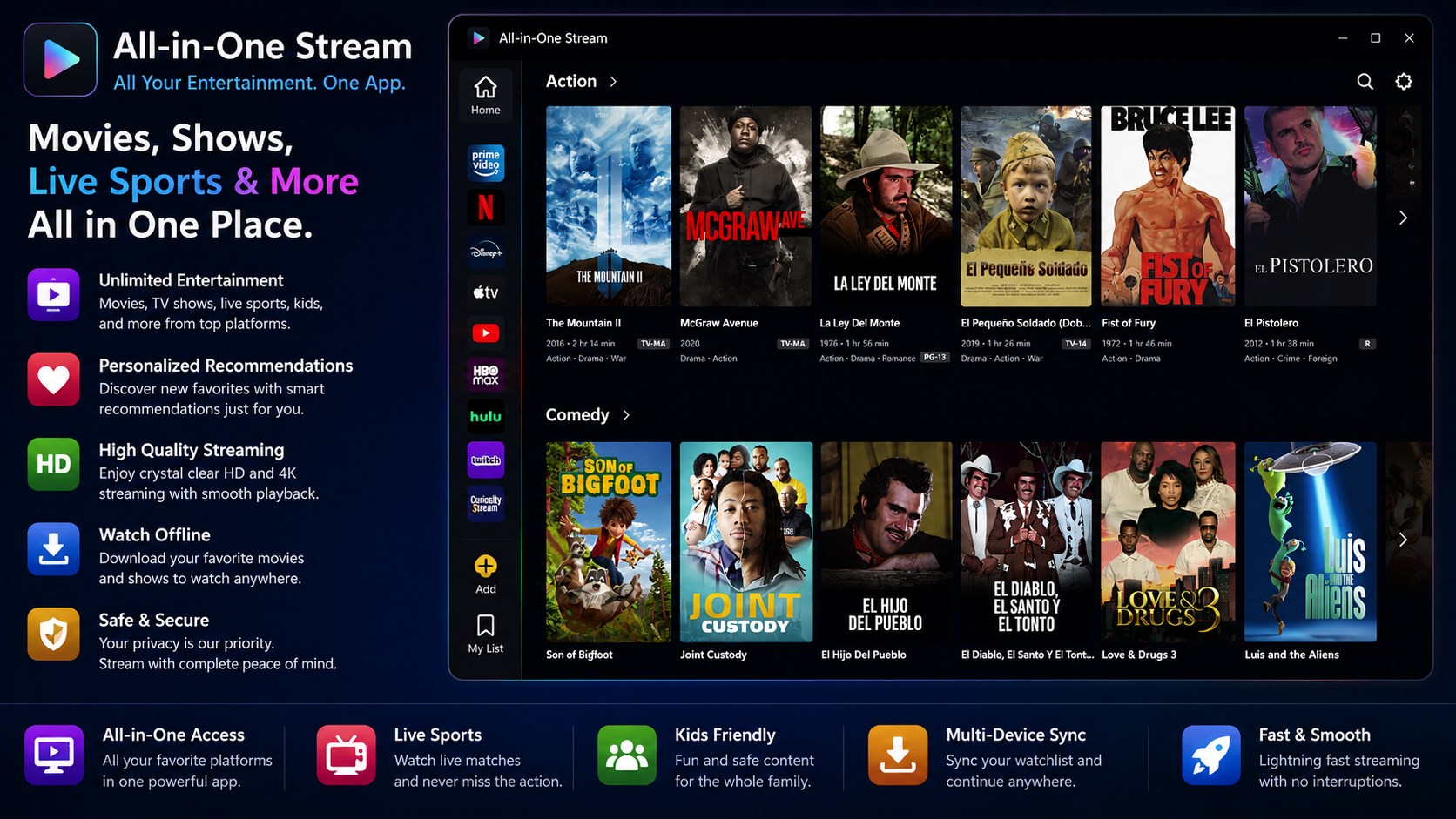
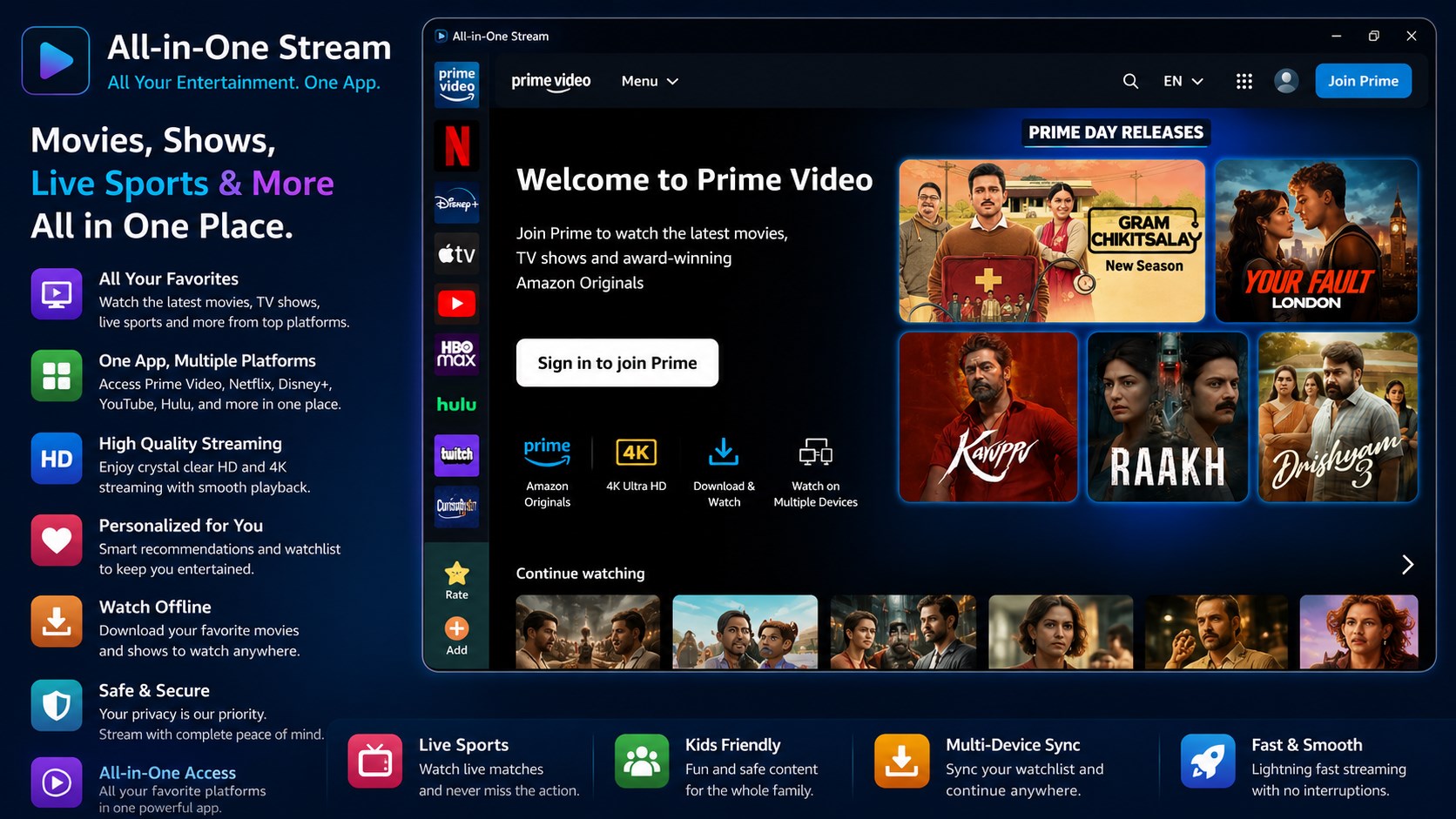
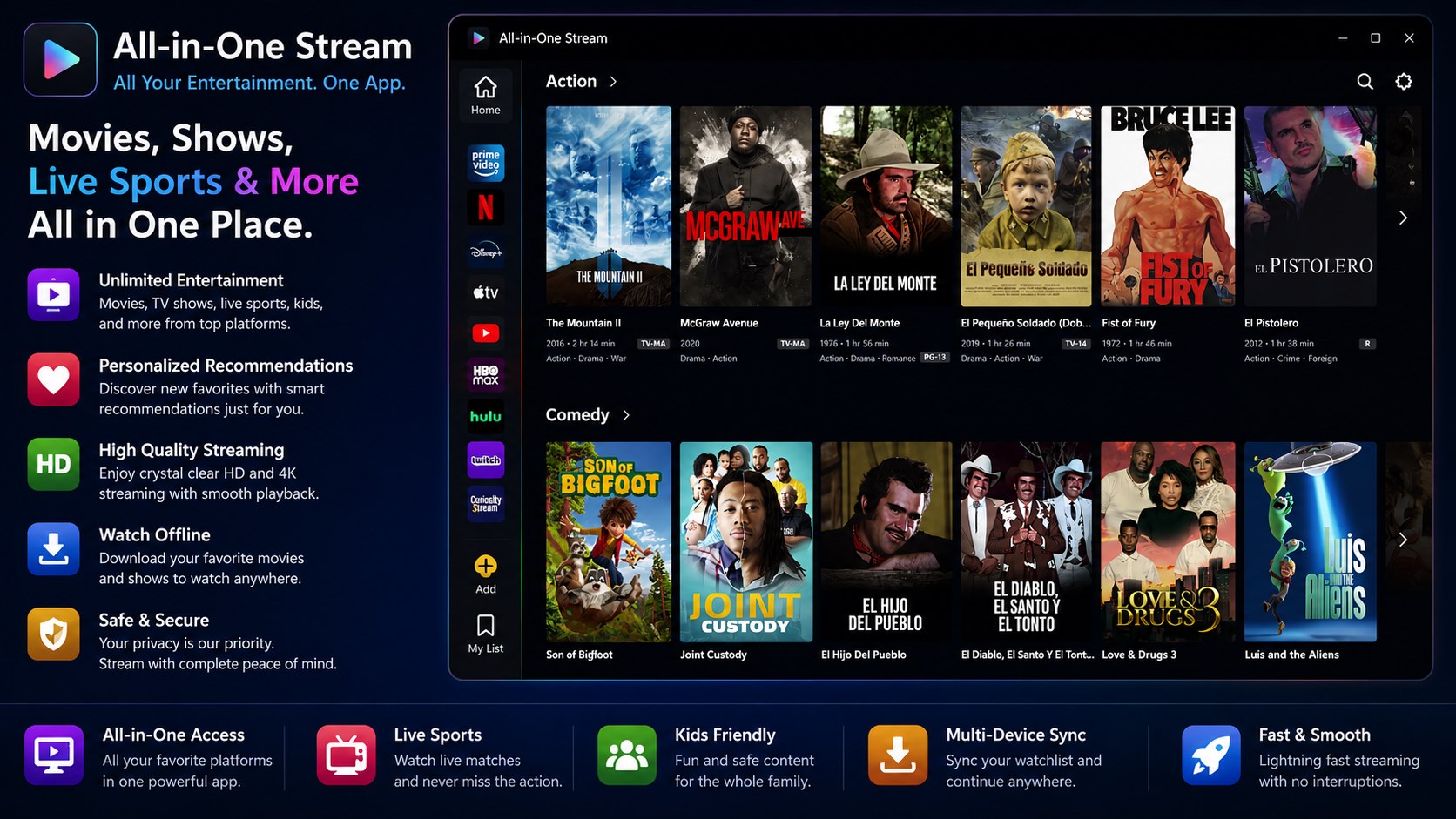
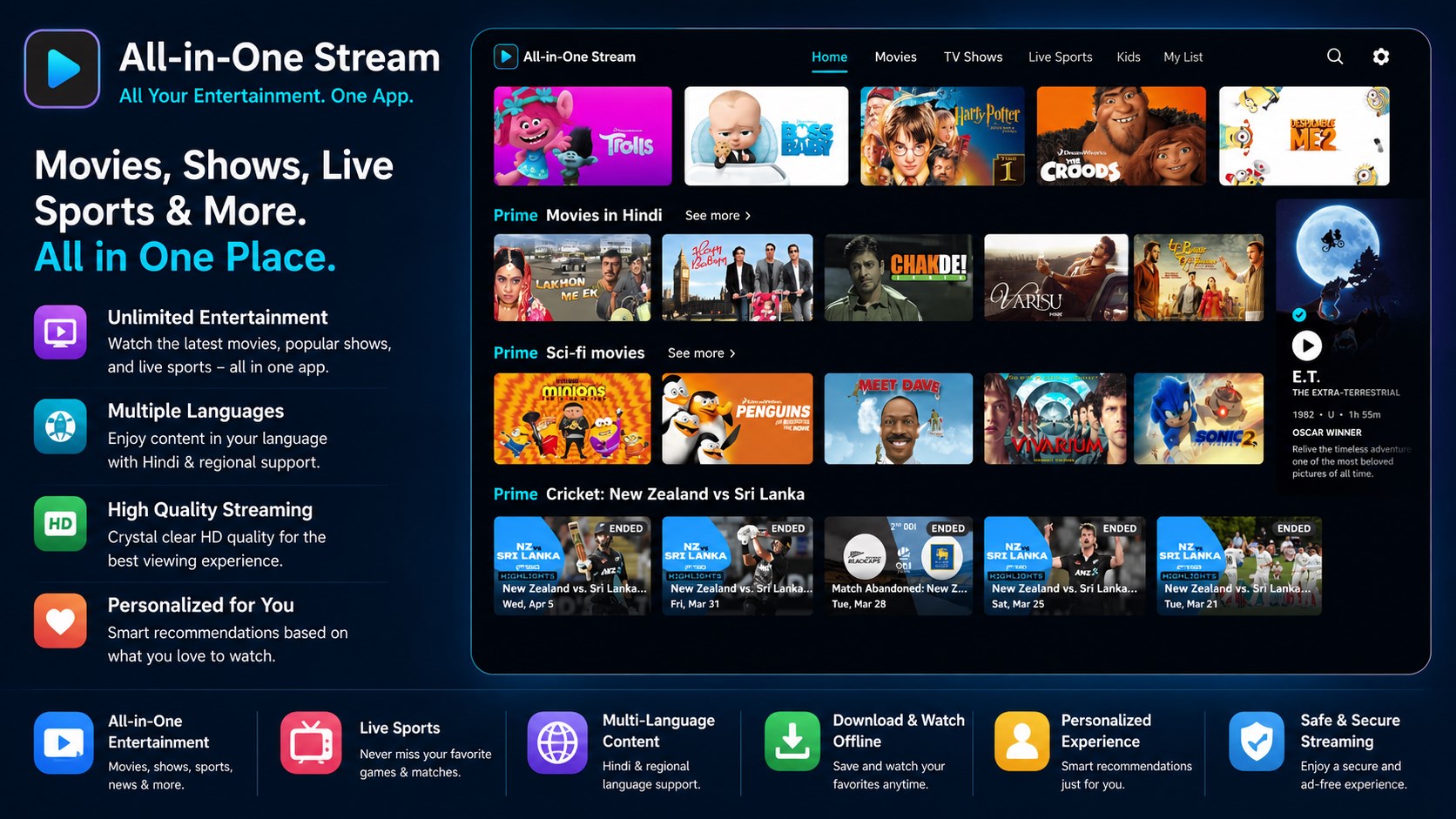
Read our comprehensive review of the All-in-One Stream app for Windows. Discover how to consolidate your favorite streaming services into a single interface.
Consolidate Your Digital Entertainment with All-in-One Stream
The All-in-One Stream entertainment hub solves one of the most frustrating aspects of modern digital media: app fatigue. Instead of constantly opening, closing, and switching between different web browsers or dedicated platform applications to find something to watch, this Windows utility gathers your entire streaming library under a single, cohesive dashboard.
Developed by Shambhus Temptation, this application acts as a central portal for thirteen of the world's most popular streaming platforms. By streamlining your desktop environment, it eliminates tab clutter and keeps your entertainment organized in one place.
Supported Streaming Platforms
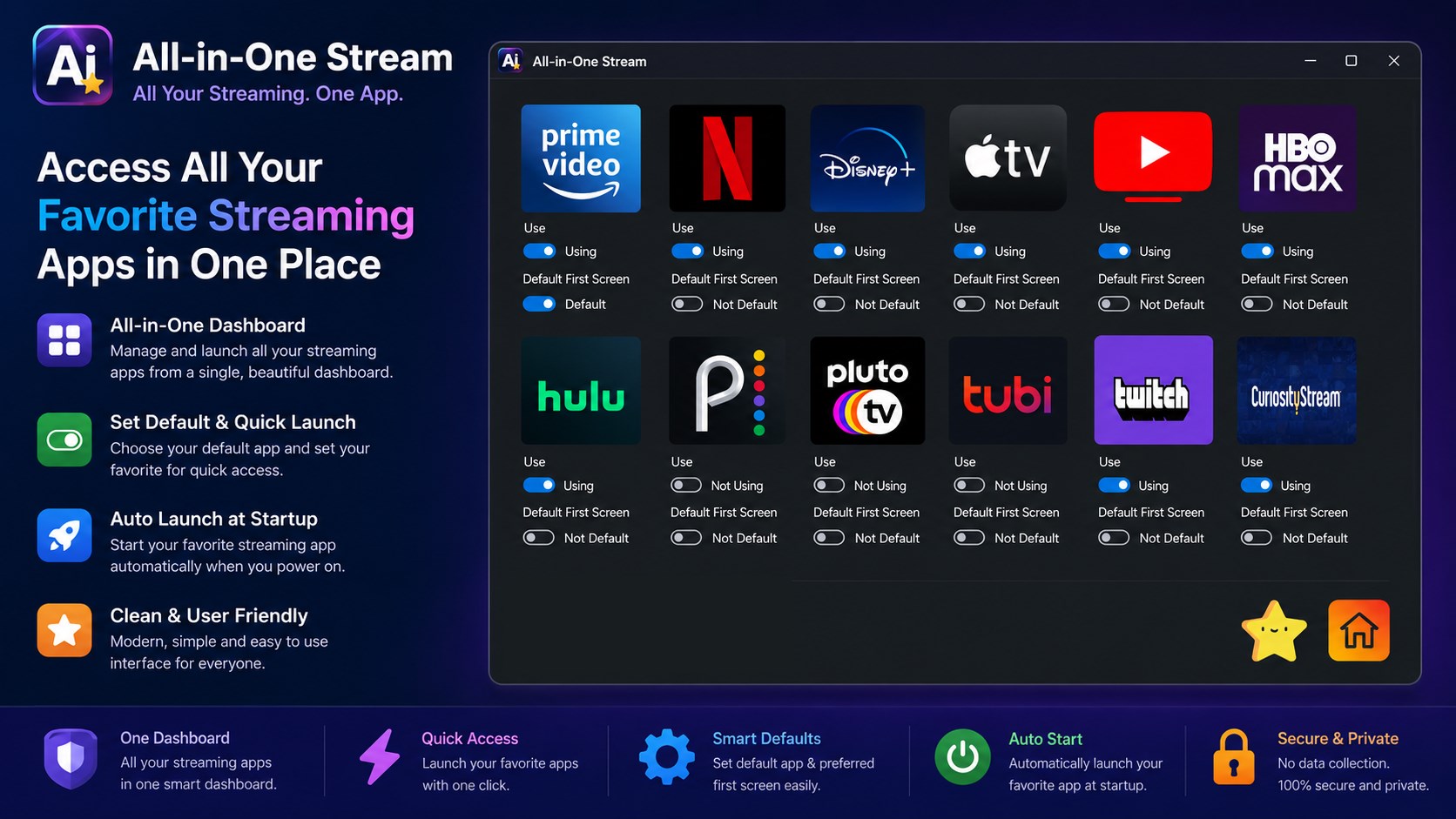
The All-in-One Stream entertainment hub integrates a diverse selection of major subscription-based and free ad-supported streaming television (FAST) services, including:
- Premium Services: Netflix, Amazon Prime Video, Disney+, Apple TV, HBO Max, and Paramount+
- Live TV & Sports: YouTube TV and Twitch
- Free & Ad-Supported: Pluto TV, Tubi TV, and Peacock TV
- Specialty Content: Curiosity Stream
Key Features and Interface Customization
This software is designed to be highly adaptable to your specific viewing habits. Key features include:
- Tailored Dashboard: Easily add or remove specific streaming platforms from your view so you only see the services you actually subscribe to or use.
- Default Launch Options: Configure your favorite platform to load automatically whenever you launch the application.
- Immersive Full-Screen Mode: Maximize your viewing area for an uninterrupted cinematic experience.
- Intuitive Navigation: A clean, straightforward user interface designed to minimize friction and speed up your search for content.
Important Usage Considerations
It is important to understand what the All-in-One Stream entertainment hub is and what it is not. This utility functions as a specialized browser dashboard; it does not host, distribute, or unlock any media content. To access subscription-based services like Netflix or Disney+ through the app, you must still possess an active, valid subscription with those individual providers.
Is This Streaming Companion Right for You?
If you find yourself overwhelmed by managing a dozen different browser tabs or separate Windows store apps just to check what is streaming, this application offers an elegant, unified alternative. It is particularly useful for multi-monitor setups or dedicated media center PCs where a clean, centralized interface is highly valued.
To try this desktop organizer for yourself, visit the official Microsoft Store page to purchase and download the app for your Windows device.