Apple TV
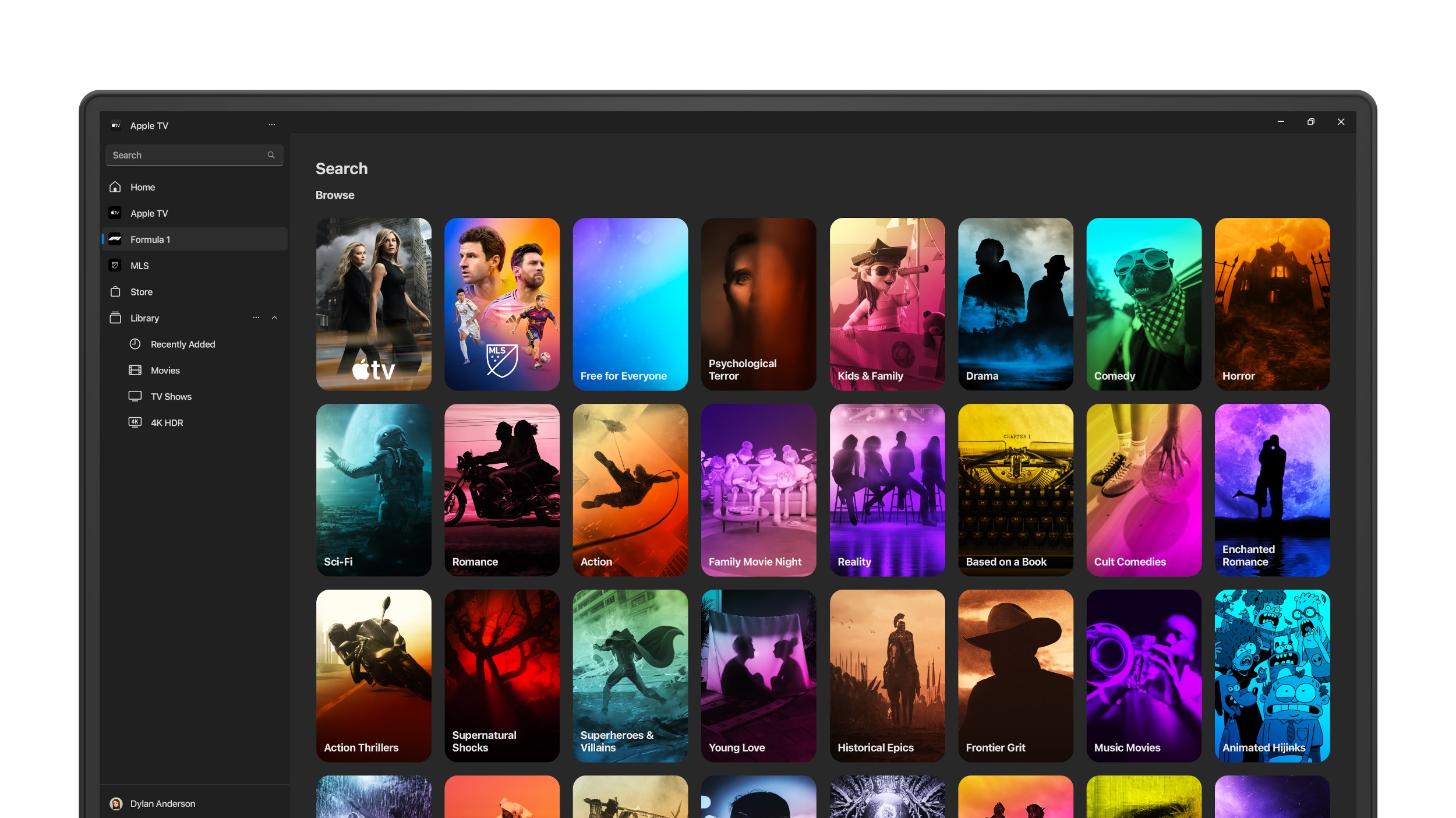
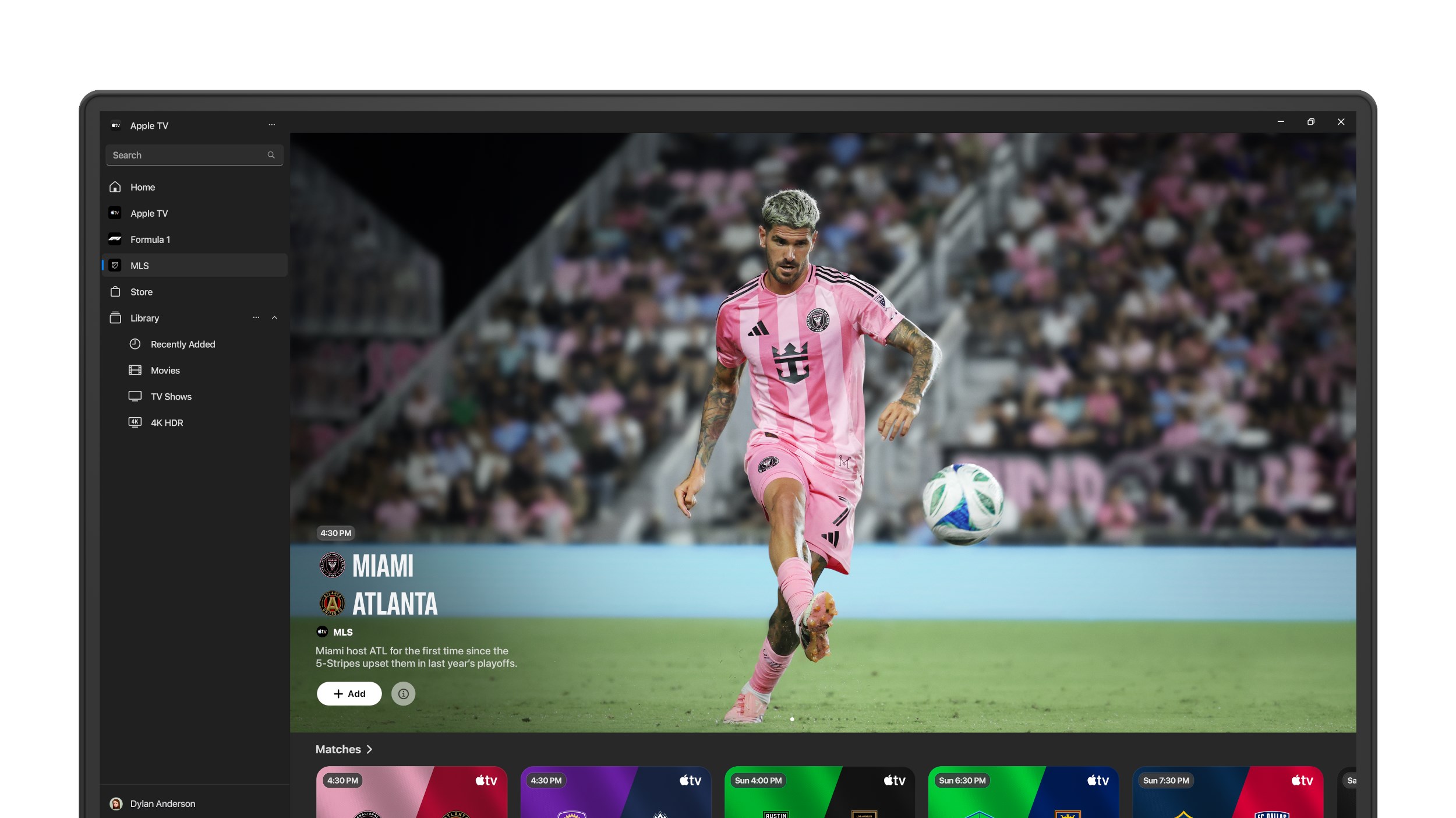
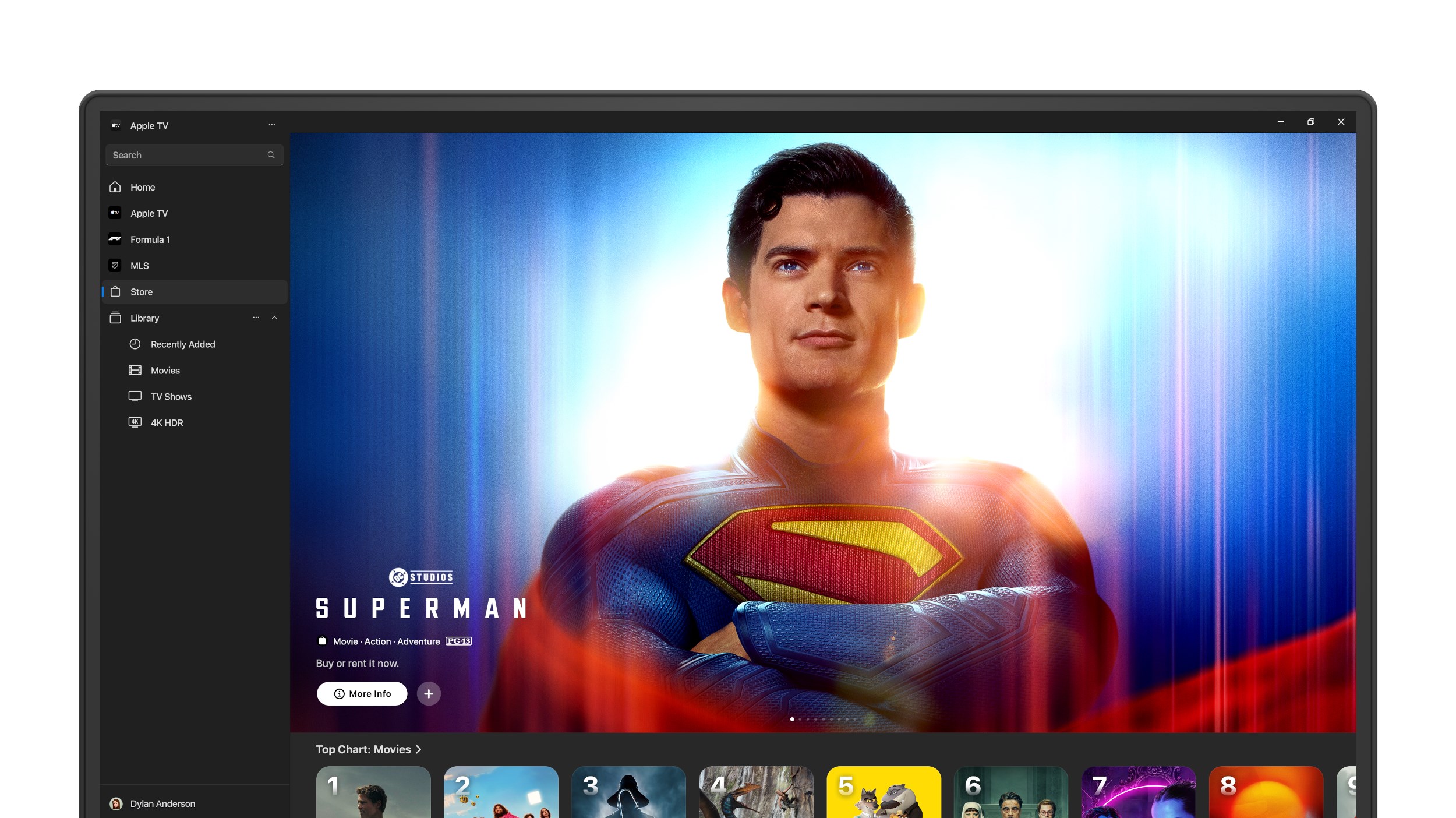
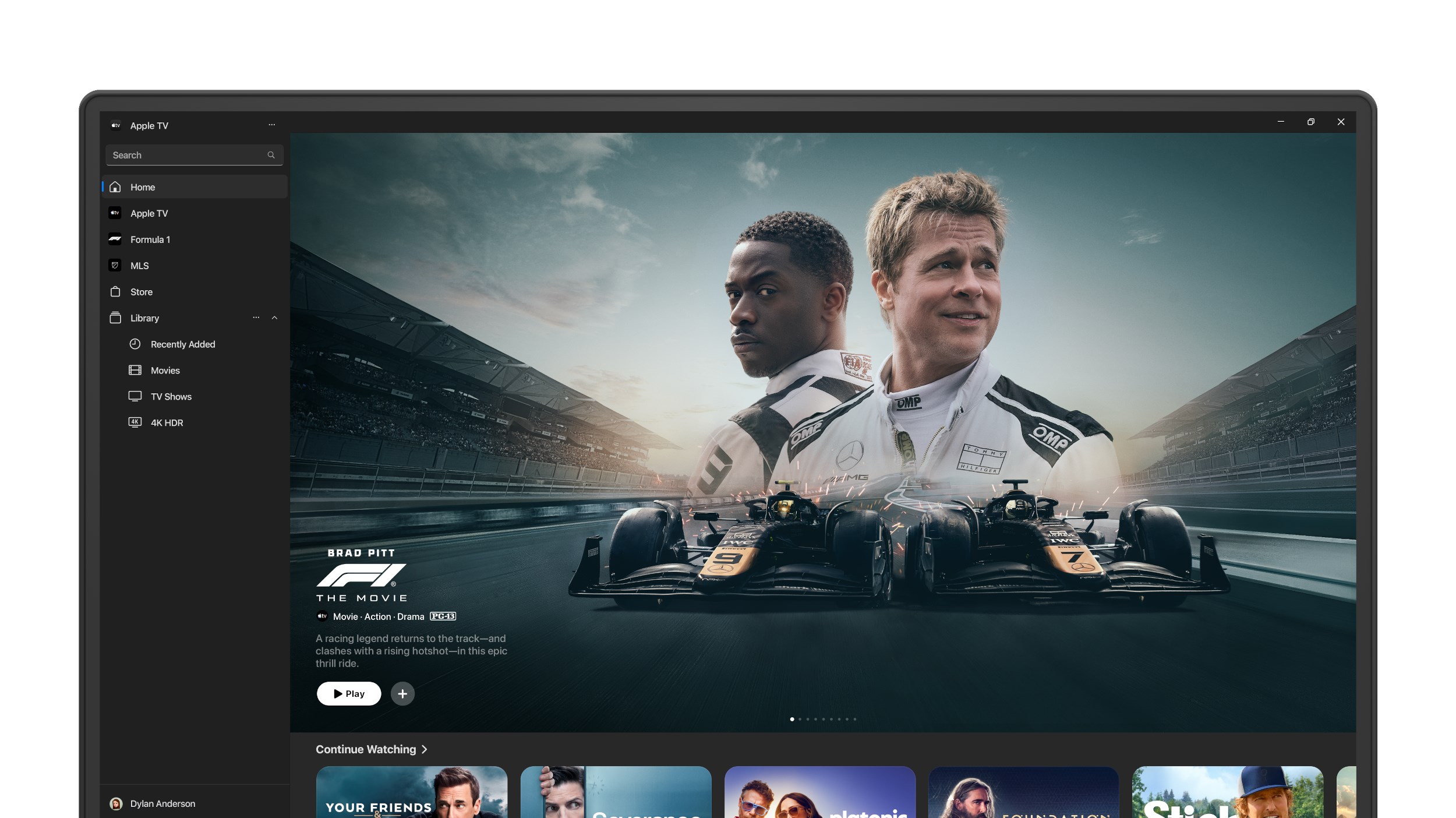
Discover how the Apple TV app for Windows delivers premium 4K HDR streaming, exclusive Apple Originals, and live sports in one centralized hub.
The Ultimate Entertainment Hub on Your Windows PC
Imagine settling down after a long day of work, ready to unwind with a premium cinematic experience, only to find yourself juggling multiple browser tabs and struggling with pixelated video playback. The official Apple TV streaming app resolves this frustration by bringing a dedicated, highly optimized entertainment interface directly to your Windows device.
Developed by Apple Inc., this application transitions your PC into a high-performance media center. Whether you are looking to catch up on award-winning dramas or experience the adrenaline of live sports, this platform consolidates your premium viewing options into a single, cohesive interface.
Key Features of the Apple TV Streaming App
The desktop experience is designed to match the premium quality of dedicated hardware, offering several standout features for demanding viewers:
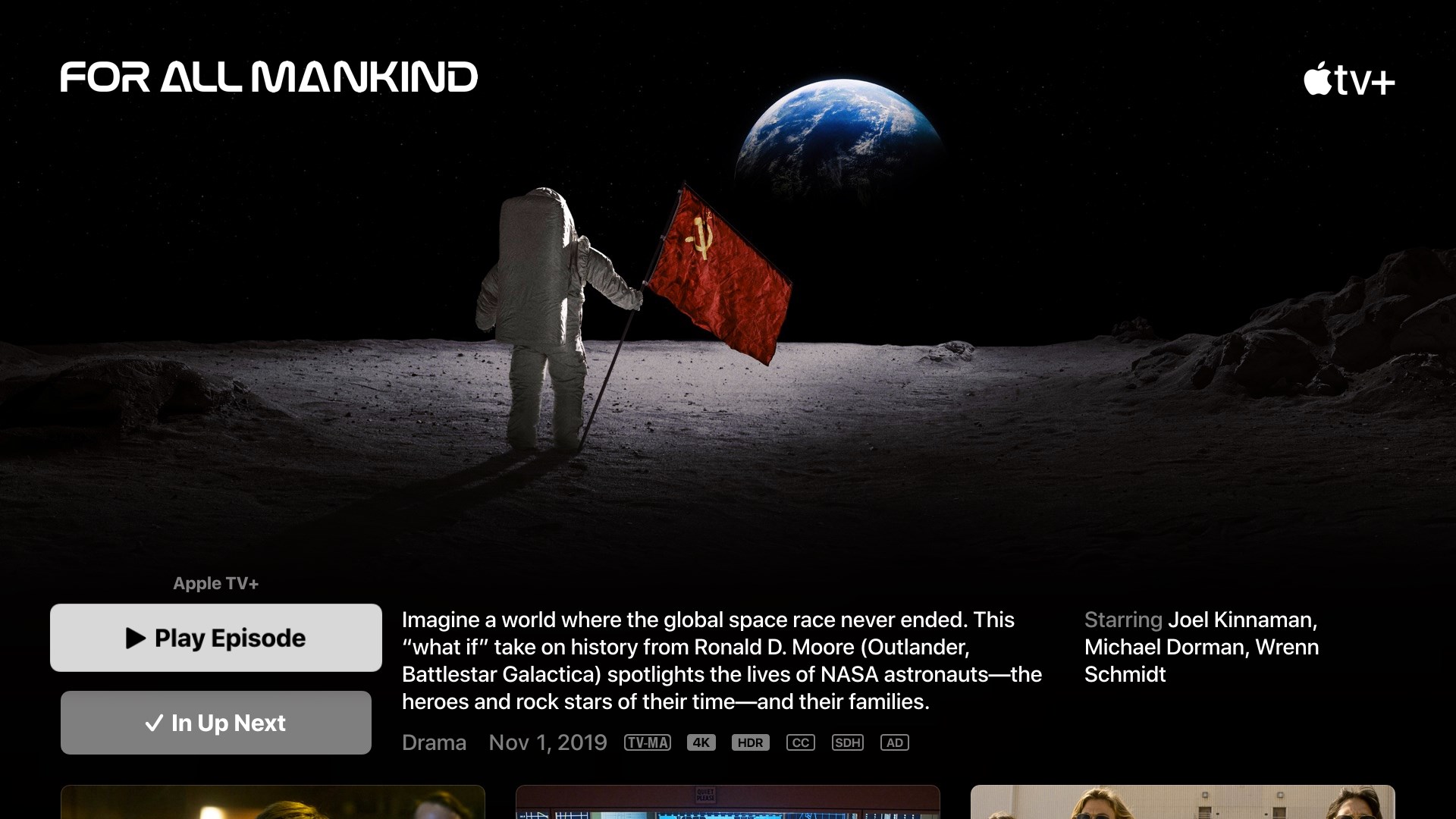
- Exclusive Apple Originals: Gain seamless access to critically acclaimed series and movies, including hit shows like Severance, The Morning Show, and Slow Horses, completely ad-free.
- Live Professional Sports: US-based fans can stream every Formula 1 Grand Prix™ live, alongside complete Major League Soccer (MLS) coverage with no regional blackouts, and Friday Night Baseball matchups.
- Uncompromised Audio and Visuals: Enjoy stunning picture clarity and immersive soundscapes with support for Dolby Vision and Dolby Atmos on compatible Windows hardware.
- Massive Digital Storefront: Browse, rent, or purchase from a catalog of over 100,000 movies and television shows, featuring the largest selection of 4K HDR content.
- Offline Playback: Download your favorite content directly to your local storage to enjoy uninterrupted viewing when traveling or away from an internet connection.
A Seamless User Experience
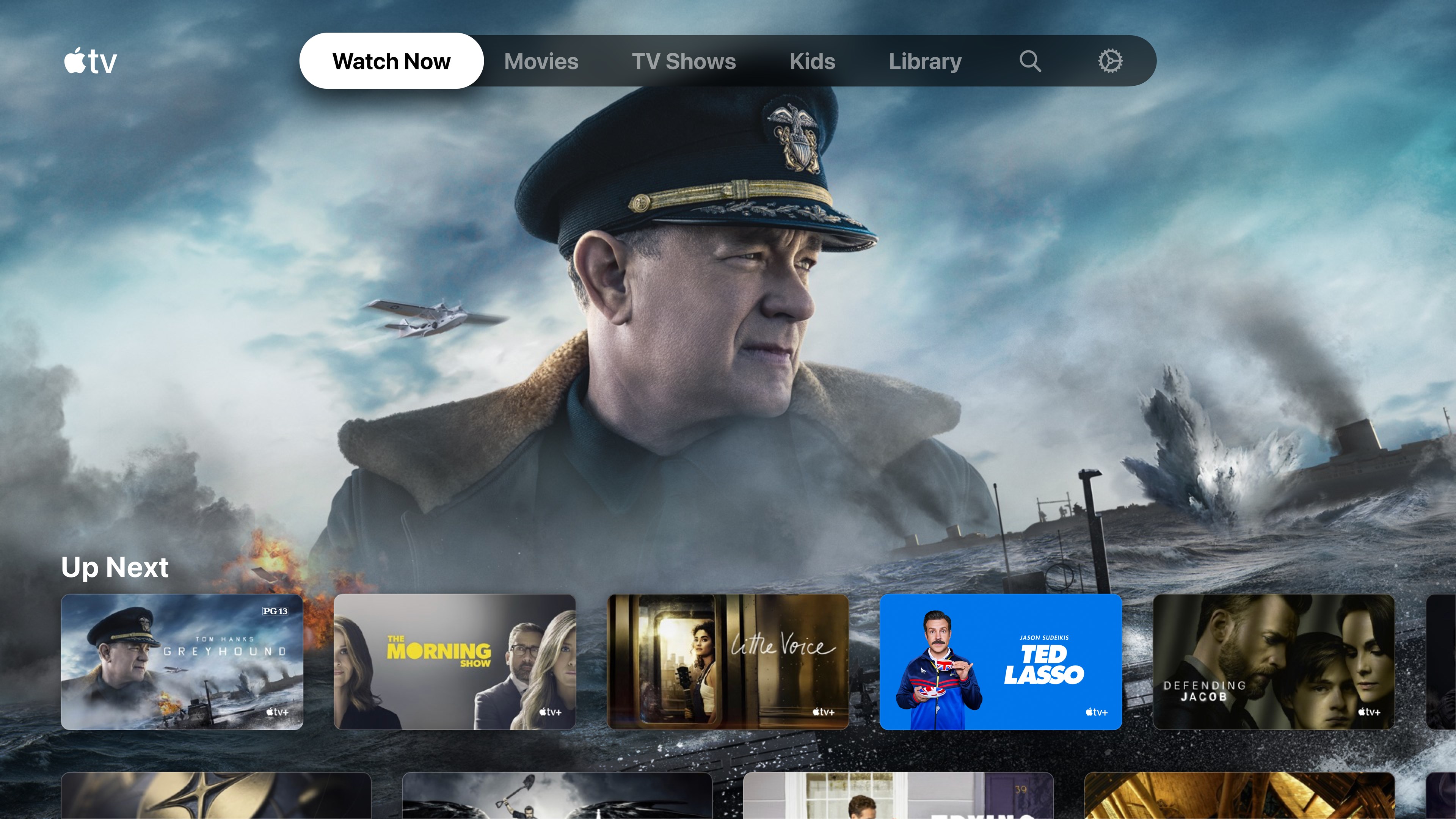
The interface is built to minimize friction. The "Continue Watching" queue synchronizes across your devices, letting you resume a film precisely where you left off. Personalized recommendations adapt to your viewing habits, while the unified Library tab keeps all your purchased and rented media organized without requiring external browser plug-ins or account authentications.
Is It Right for You?
If you value high-bitrate 4K streaming, premium audio, and a clean interface free from browser clutter, this application is an essential addition to your Windows setup. It is particularly valuable for sports enthusiasts tracking F1 or MLS, and cinephiles who demand the highest possible visual fidelity from their digital library.
To experience this premium entertainment ecosystem firsthand, head over to the official Microsoft Store to download the application and elevate your desktop viewing experience today.