
Disney+
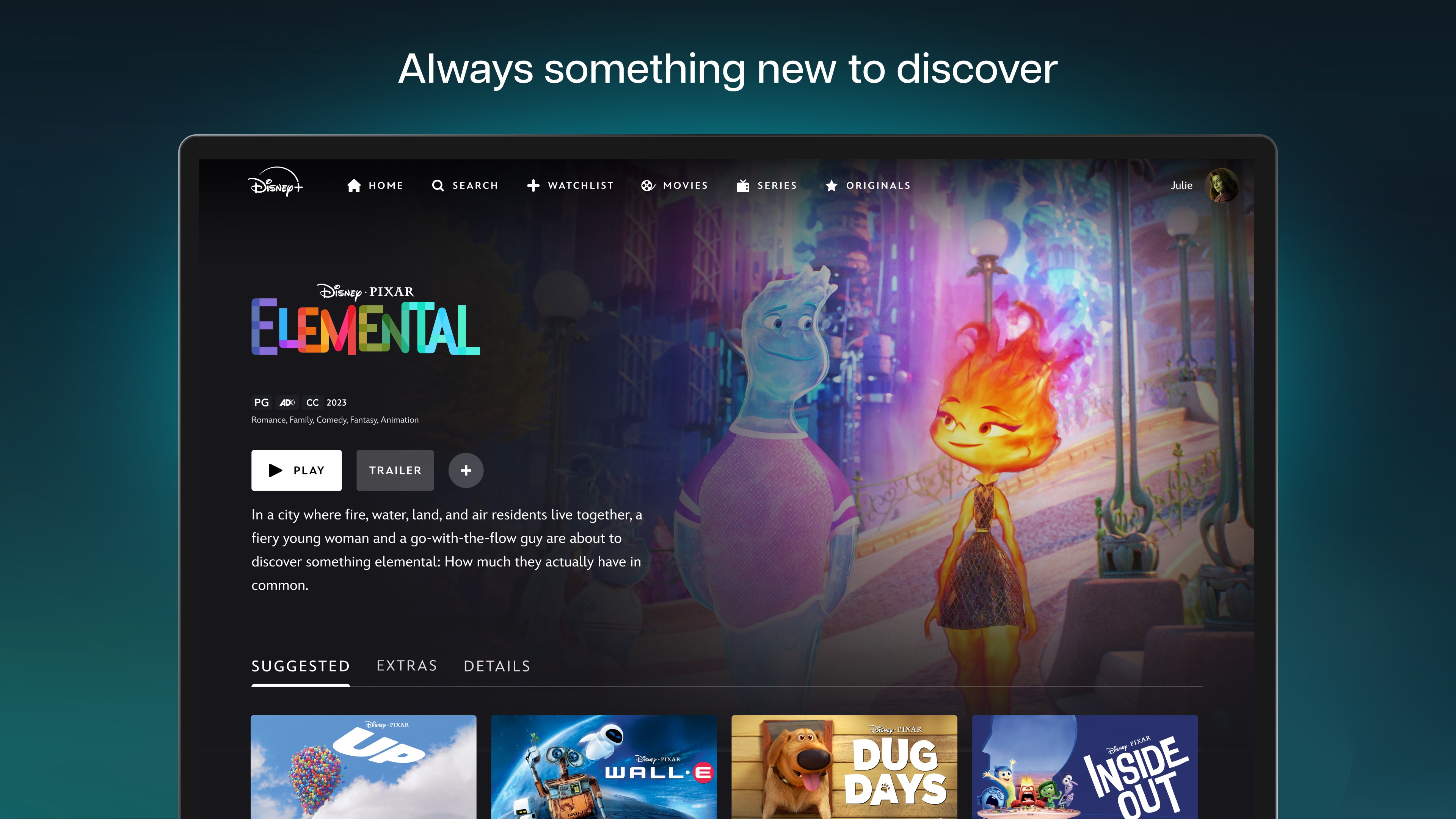
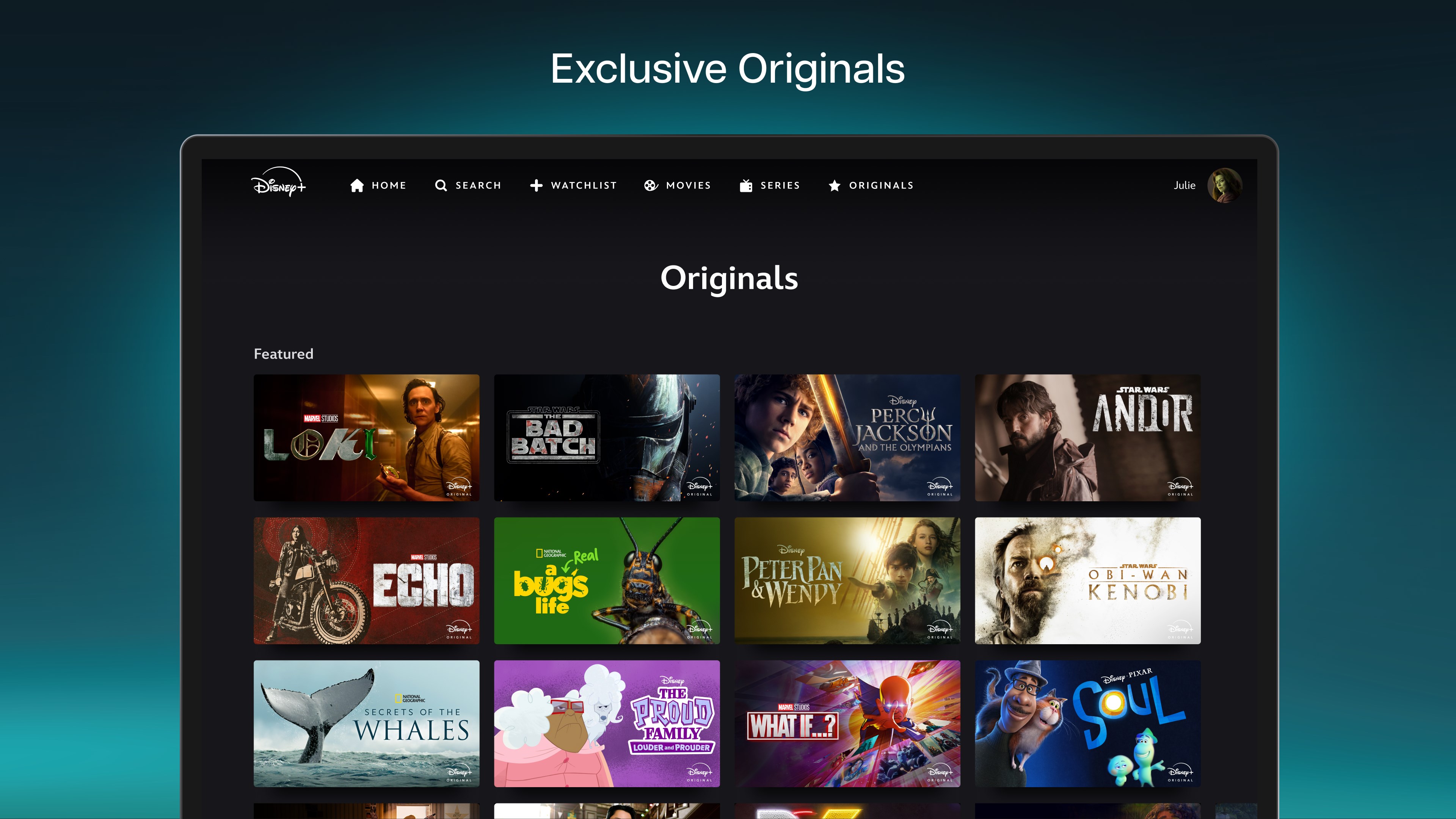
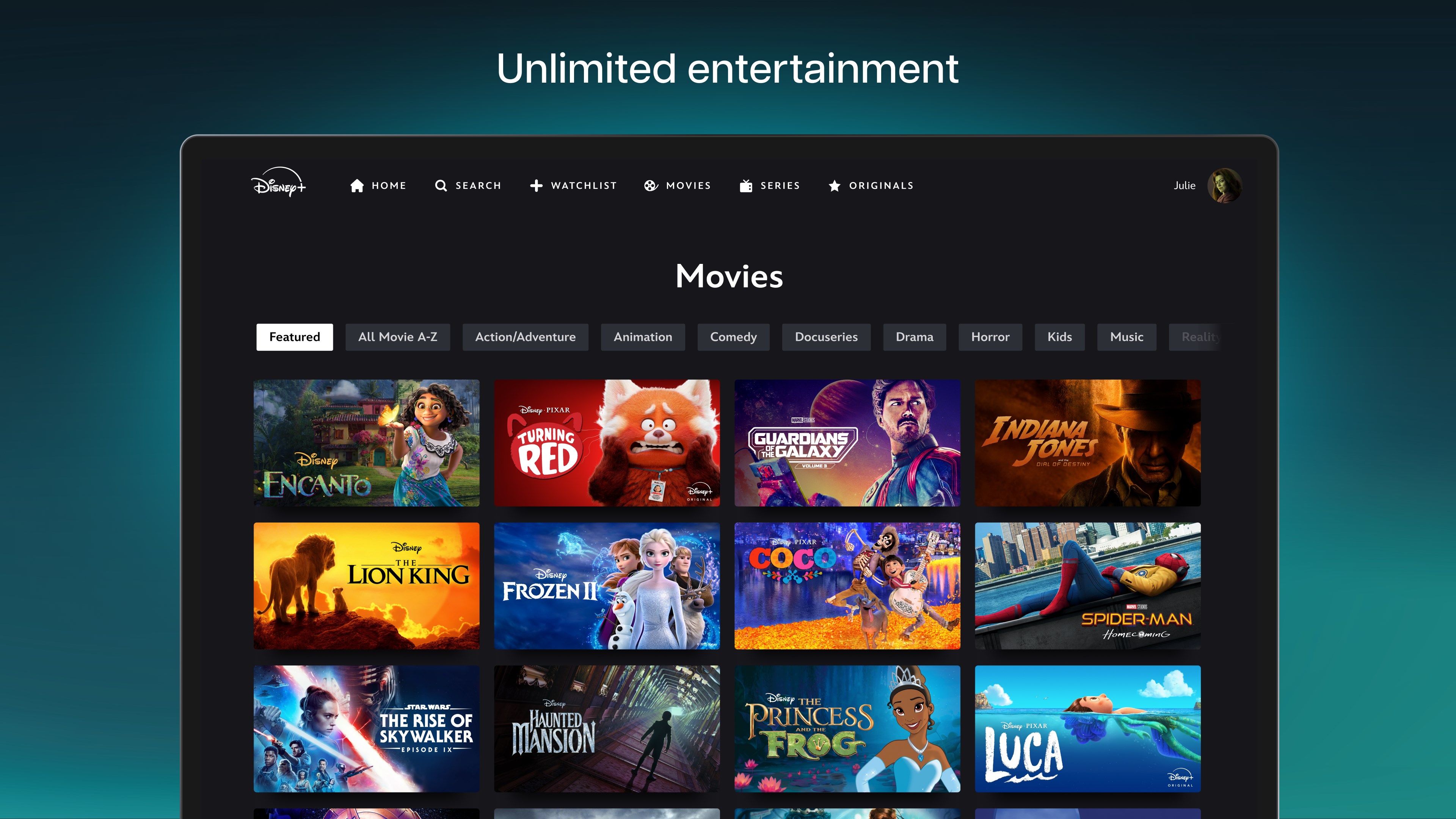
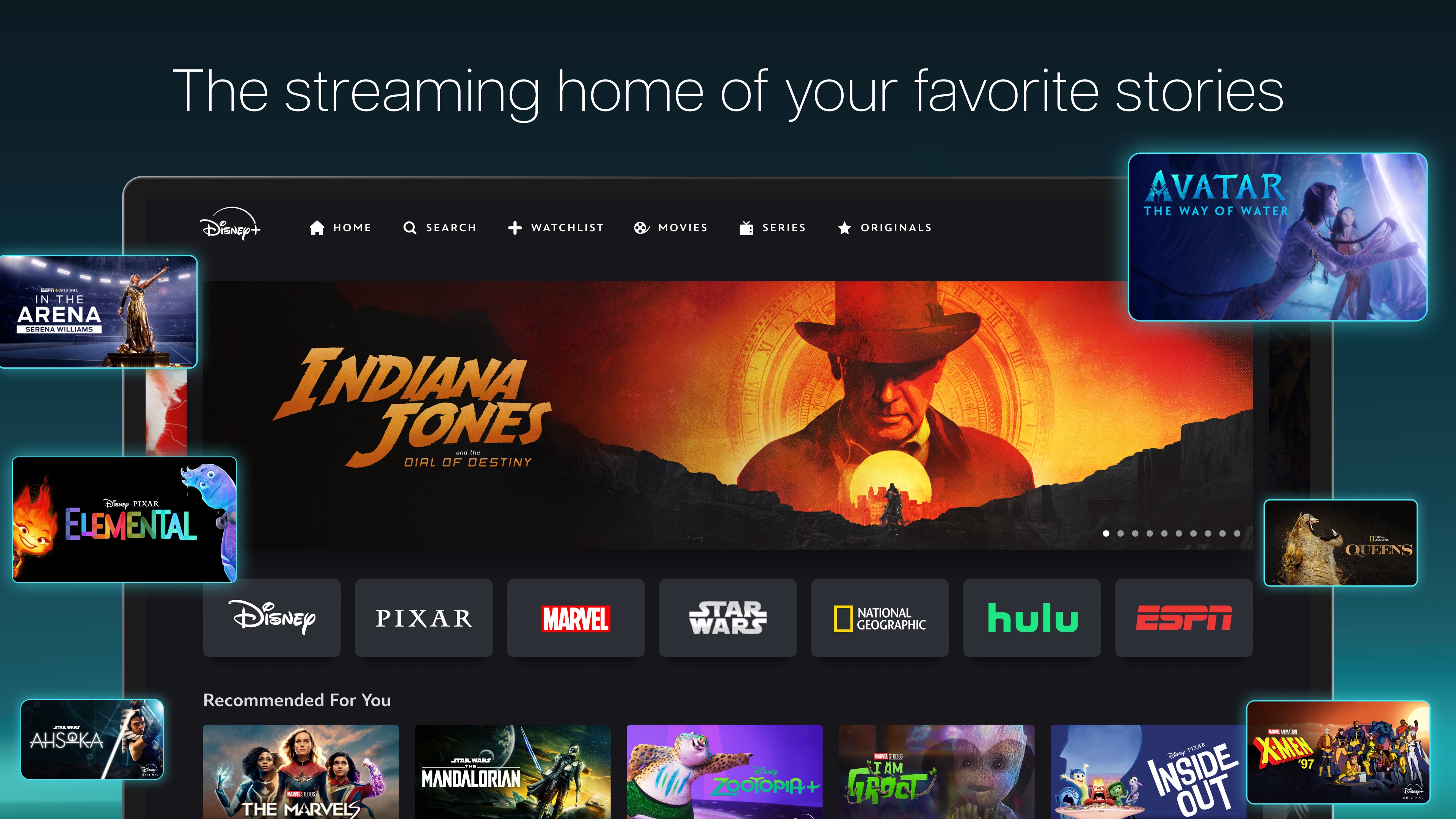
Explore our comprehensive review of Disney+ for Windows. Discover exclusive Originals, 4K streaming capabilities, and family-friendly entertainment today.
The Ultimate Entertainment Hub for Your Windows Device
Disney+ streaming entertainment brings an unparalleled library of premium movies, exclusive series, and beloved classics directly to your Windows desktop or laptop. Instead of cluttering your web browser, this dedicated application optimizes your viewing experience, making it easier than ever to dive into high-quality storytelling from the comfort of your PC.
Whether you are looking to catch up on the latest cinematic releases or introduce your family to timeless animated masterpieces, this platform consolidates several of the world's most iconic entertainment brands into a single, cohesive interface. From blockbusters to niche documentaries, it serves as a versatile portal for viewers of all ages.
Key Features of Disney+ Streaming Entertainment
The Windows application is designed to maximize your hardware's potential while offering a highly customizable viewing environment. Here are the standout features you can expect:
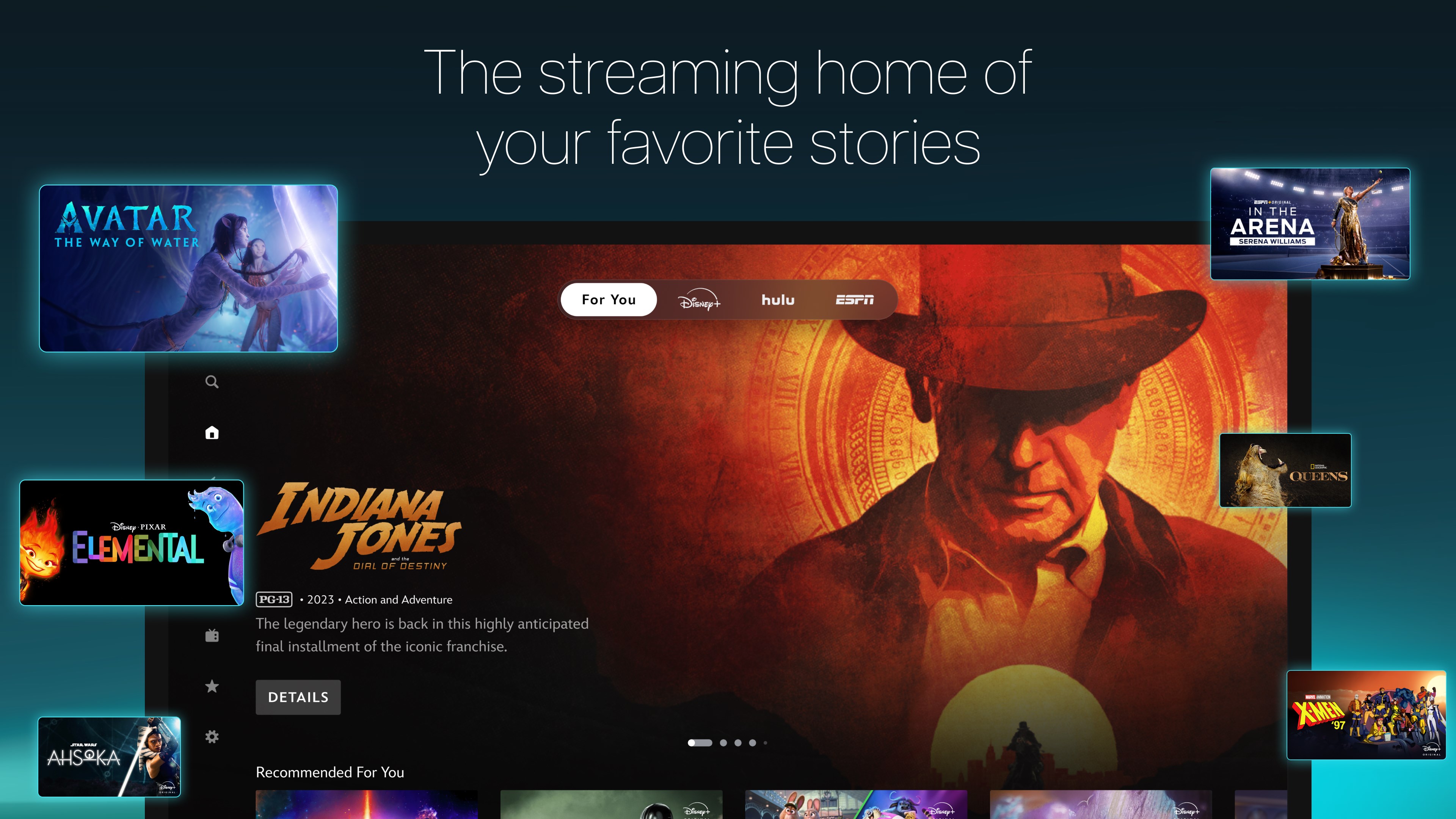
- Multi-Brand Ecosystem: Access dedicated hubs for Disney, Pixar, Marvel, Star Wars, and National Geographic all in one place.
- Stunning Visual Quality: Experience select titles in breathtaking 4K UHD, HDR, and IMAX Enhanced aspect ratios on compatible monitors.
- Simultaneous Streaming: Watch on multiple screens at once, allowing different household members to enjoy their favorite shows concurrently.
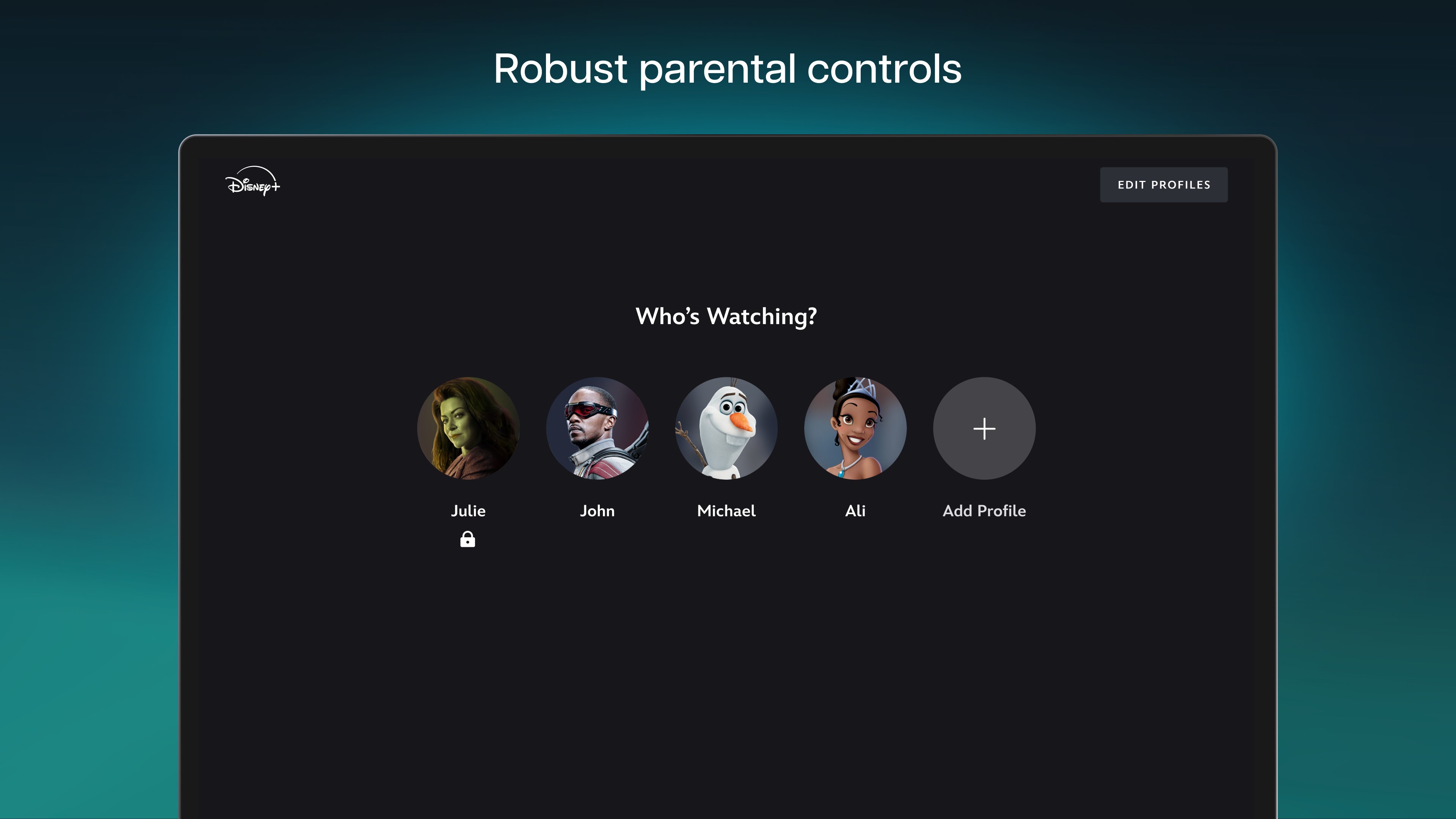
- Robust Parental Controls: Maintain peace of mind with Profile PINs and kid-proof exit settings that restrict access based on content ratings.
- Curated Partner Content: U.S. subscribers can access integrated hubs featuring selected content from Hulu and ESPN+ directly within the application.
- Live Streams: Keep up with live programming, including a dedicated feed of ABC News for premium tier subscribers.
Who Is This Streaming App For?
This software is an essential addition for movie buffs, families, and dedicated fans of major franchises who want a premium, distraction-free desktop experience. If you frequently watch media on your Windows PC and demand high-fidelity audio and video, the native application provides a smoother, more responsive interface than standard web-based players.
A Safe and Tailored Viewing Experience
One of the platform's greatest strengths is its adaptability to household needs. Parents can easily customize content restrictions for individual profiles, ensuring younger viewers only see age-appropriate material. Combined with the smooth navigation of the Windows interface, finding and organizing your watchlist is both secure and straightforward.
Ready to elevate your home theater setup? You can explore the official listing and download the application directly from the Microsoft Store today.